
See what needs attention.
The dashboard and ORSON’s manual pilot are in use. The separate web-panel upgrade passed 145 checks and a no-write dry run; installation and device checks remain ahead.
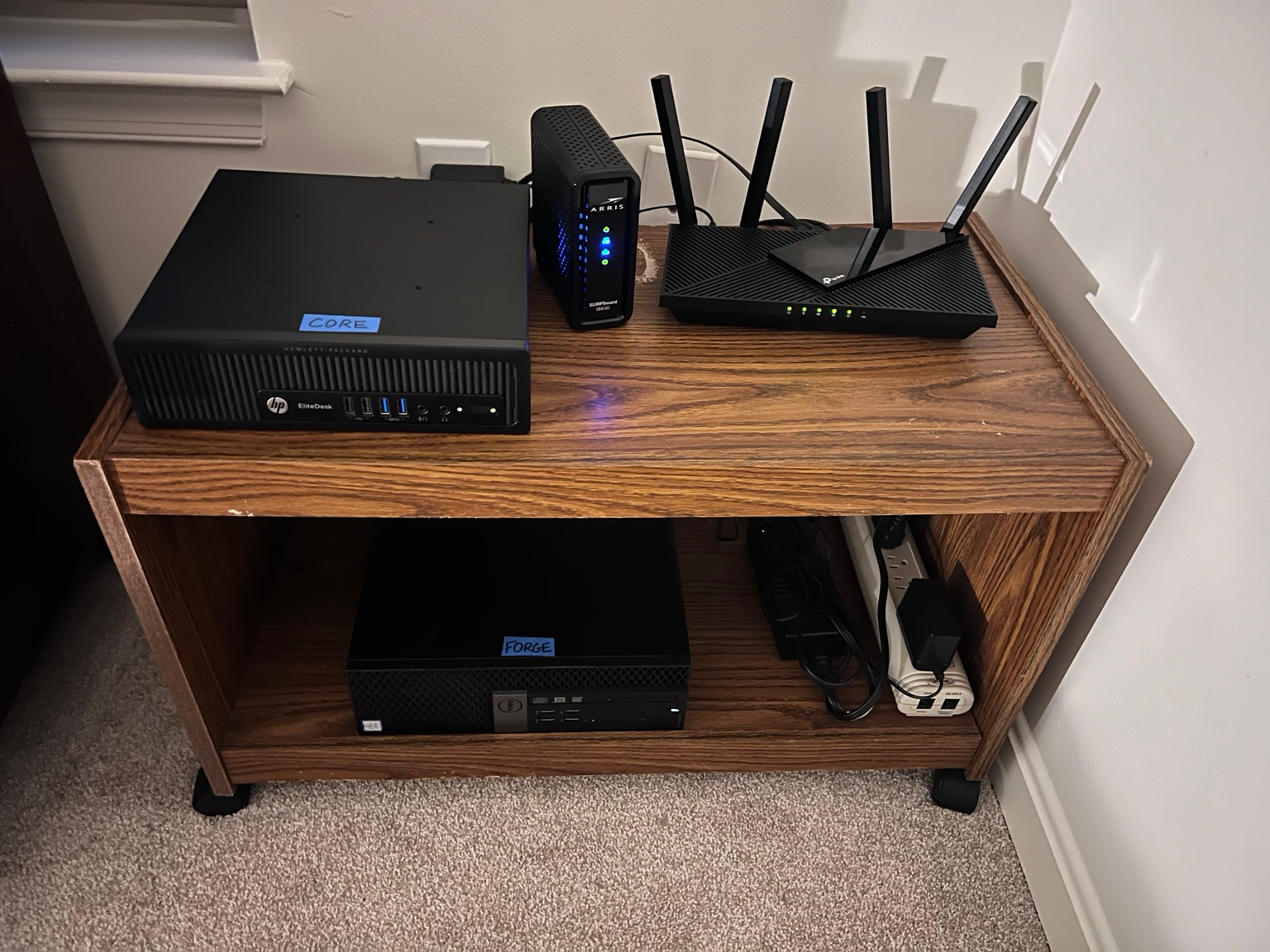
Inside the ORSON buildPERSONAL TOOLS & EXPERIMENTS
Small experiments, visible checks, and useful lessons for the next attempt.
I’m building ways to prepare better tasks, keep track of sources, and check AI-generated work. Some pieces are in use, others are bounded tests, and the connected workflow is still being developed.
RECORDED CHECKPOINTS
These summaries link to dated records.
They are not a live status display.
The dashboard and ORSON’s manual pilot are in use. The separate web-panel upgrade passed 145 checks and a no-write dry run; installation and device checks remain ahead.
Inside the ORSON buildA later Goose/Hermes comparison completed 32 local-model responses. Both produced caption mistakes; exact-answer checks caught failures that valid formatting would miss. One earlier synthetic-note read was separately approved and checked.
Read the tests and their limitsPrompt OS helps shape tasks and research briefs. Research OS brings sources and reviewed notes into the work. A recorded handoff stopped at a required status check; a later automated replay found seven filename mismatches.
Read the research incidentSeparate checks decide whether a candidate can reach review. In the scripted September test, two successful attempts reached review and all seven intended negative attempts were kept from acceptance.
Read the scripted test
A SEPARATE, READ-ONLY CONNECTION
Two approved context documents Muse. Persistent context was read back successfully. A later daily-update candidate remained unpublished, with the publisher prerequisite check still held in the latest consulted tracker.
This connection does not give Muse general file access or a way to write back into reviewed memory.
Read the Muse connection noteHOW THE PIECES FIT TOGETHER
This is the intended process. The complete connected flow is not installed. Manual steps, tested components, and planned work are labelled below.
Decide what is worth doing, what is in scope, and what a useful result should look like.
Prompt OS · Manual use; connected handoff in development
Prepare the instructions, relevant context, requirements, and evidence needed to judge the result.
AEOS
AI workers propose a code candidate. Separate tooling checks the tested requirements.
Research OS
Check reviewed memory first. Reuse suitable work, refresh it, or research the gaps, keeping the sources.
Media OS
Prepare storyboards, scene prompts, and references for appropriate generation tools.
Use the task’s agreed checks. Code or format checks can be scripted; source quality, meaning, and creative judgement still need review. A passed check covers what that check actually tests.
↶ Failed or incomplete? Correct the draft or revisit the task.Passing checks makes a candidate ready for review. I still decide whether it is useful and supported.
Only the output I approve moves forward.
Change the draft, evidence, or scope.
A result can be set aside.
Manual use: I carry out or supervise that step. It does not imply an automatic connection.
In testing: the linked checks cover a bounded setup, not general reliability.
Planned: the component or connection is still a design. Media OS is planned even though I already make AI videos with individual tools.
Muse’s scoped connection is shown separately above. A local model is a possible worker inside an approved task; it does not choose its own permissions or approve its output.
THREADS I’M FOLLOWING
NOTES, SOURCES & CORRECTIONS
Keep useful sources, decisions, and corrections together, so returning to a project doesn’t mean starting from scratch.
Explore the projectGIVE AN OLD PHONE WHEELS
I’m planning a cheap wheeled build, potentially reusing my cyberdeck’s Moto G Stylus as its brain. Parts, assembly, and compatibility testing are still ahead. A walking robot is a longer-term goal.
Meet the phone behind the ideaAI VIDEO EXPERIMENTS
Short AI-generated videos exploring impossible places and strange phenomena.
FIELD JACKET
A visual concept for one personal jacket. Fit, construction, and a physical sample remain ahead.
Explore the conceptThe build notes keep the useful results, the failures, and the limits together.
Read the build notes