Most of the gear behind my Rourke Labs builds was scavenged or repurposed. I bought the solar panel, the Anker charger, and a bike repair kit for its driver. This is the hardware around my home lab, offline laptop, cyberdeck, and Field Library USB prototype.
Each entry explains the job an item does in my setup. Some of this equipment is older, so the model matters if you’re looking for the same thing.
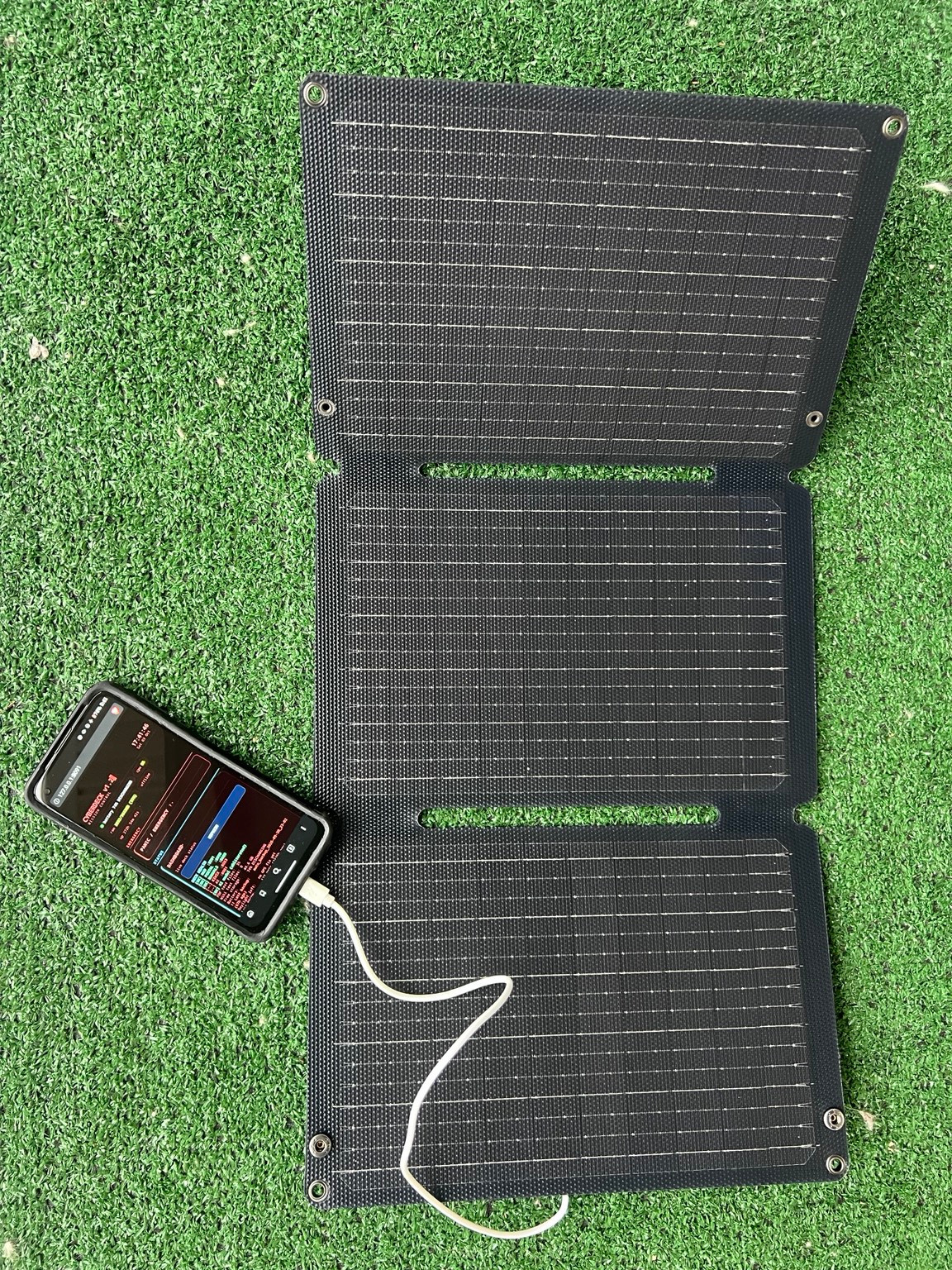
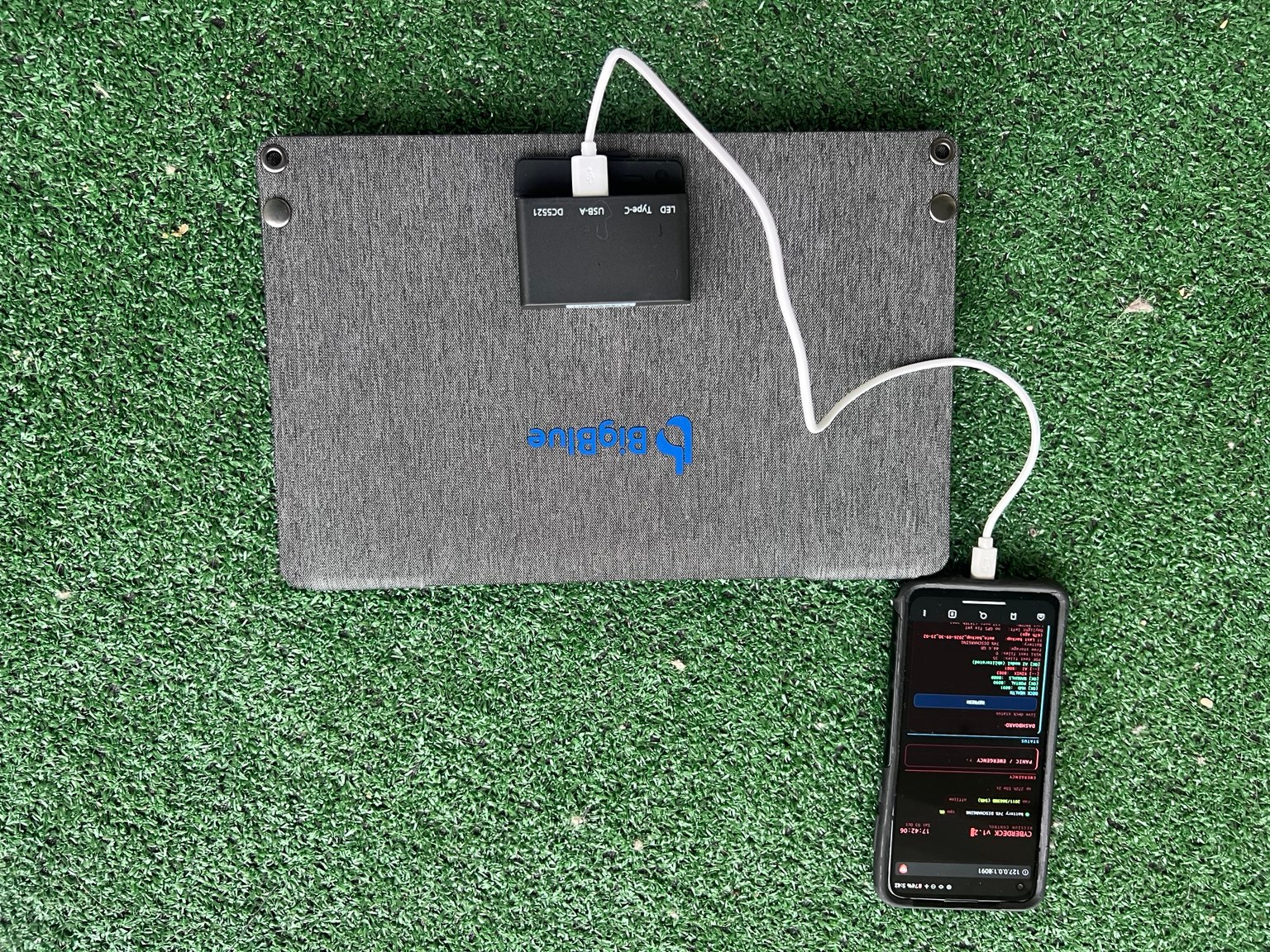
My BigBlue panel and cyberdeck. The notes below record the checks I’ve run.
01 /
Power
BIGBLUE · 30 W RATED PANEL
BigBlue portable solar panel
I bought this panel and previously reported a successful cloudy-day charging check with my cyberdeck. A later meter check, recorded below, did not establish sustained charging. I haven’t measured its charging speed.
Before buying
30 W is the product’s rated output, not a measurement from my test. The panel generates power but does not store it. I’m working toward adding a power station; compatibility will depend on the station I choose.
The controller side of the same panel. Photos show the hardware; they do not establish charging speed or power output.
FIELD CHECK · 18 OCTOBER 2026
Voltage first. Charging still unresolved.
At 4:05 p.m. in indirect sunlight, my USB meter from AliExpress displayed 5.31 V and 0.00 A with no charging device connected to its output. When I connected the cyberdeck, both readings dropped to 0.00 and the display kept flashing.
What I can conclude
The first reading shows voltage without a charging load. It does not establish usable charging power or speed. The later flashing result did not establish sustained charging, and its cause remains unconfirmed. A direct-sun comparison with and without the meter is still ahead.
ANKER 323 · MODEL A2331
A wall charger for the kit
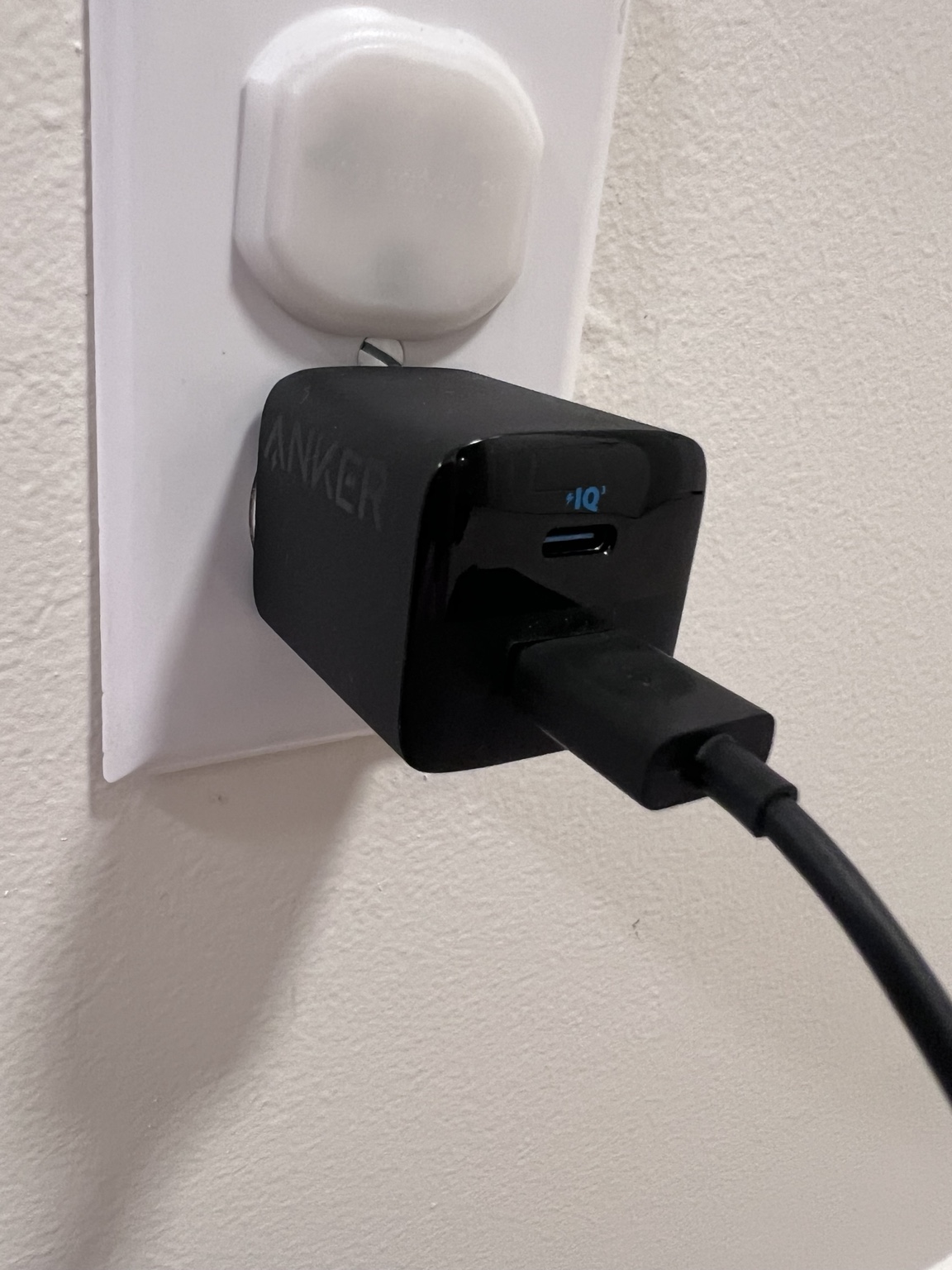
I bought my Anker 323 charger on Amazon. Model A2331 has one USB-C port and one USB-A port for the connections used by my field electronics.
Before buying
Anker rates USB-C at up to 33 W when used alone. With both ports in use, the rated split is 20 W USB-C plus 12 W USB-A, up to 32 W combined. These are manufacturer ratings, not measured charging speeds for my devices. Check the plug, cable, and device requirements for your setup.
My Anker charger in use. The close-up shows its branding and ports.
02 /
Computing and networking
PNY · 128 GB · USB-A
The Field Library prototype drive
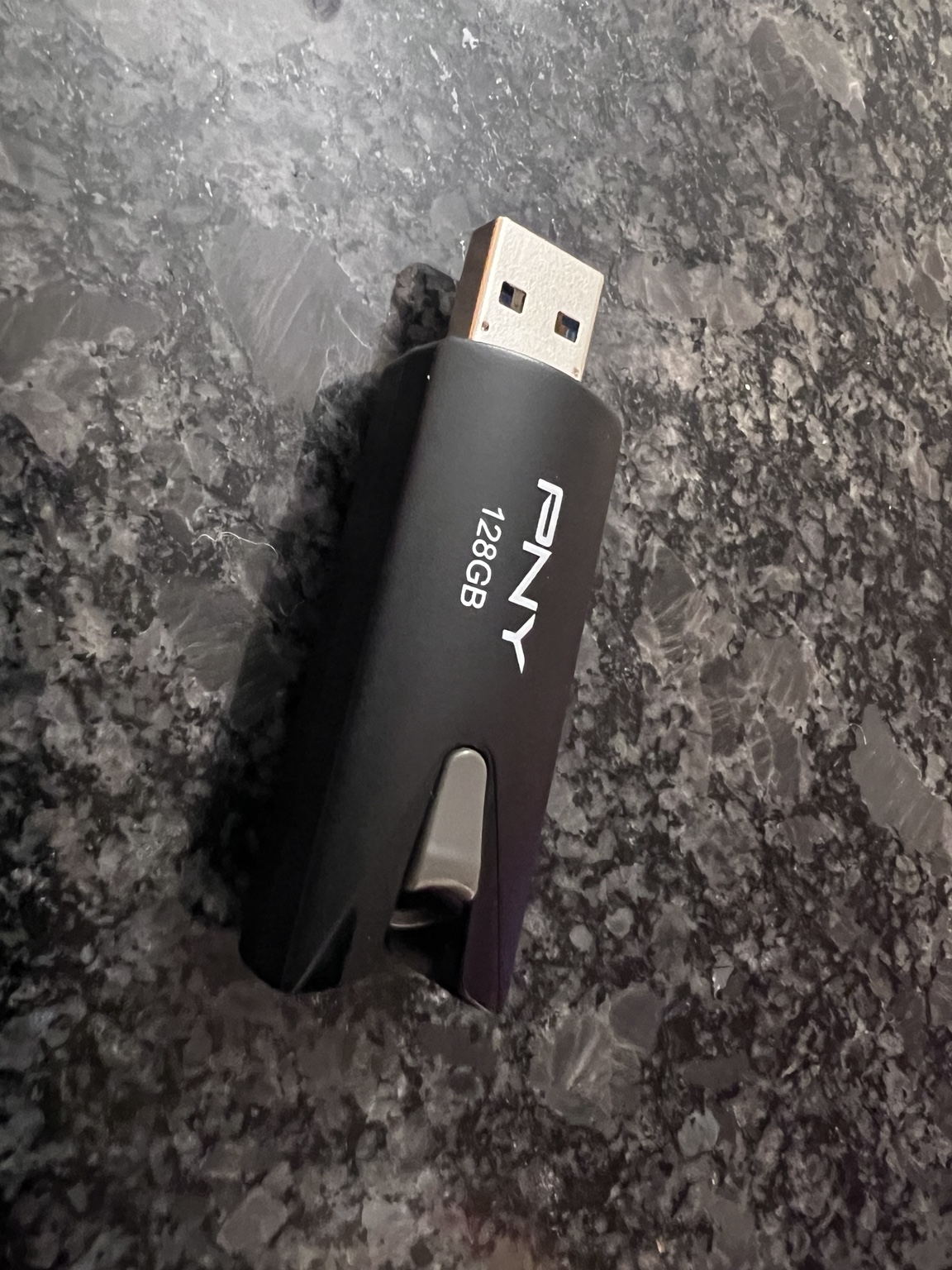
This PNY 128 GB USB drive has been part of my Ventoy and Linux Mint installation work and the Field Library prototype. It gives me a physical place to assemble and test the offline material.
Before buying
This entry shows the drive I use for development. Blank retail USB drives do not include Field Library, which is still in development.
The phone in my cyberdeck build is a 2020 Moto G Stylus, model XT2043-4. Its offline setup includes Organic Maps, Kiwix, and Termux for maps, reference material, and command-line work.
Model note
Motorola has used the Moto G Stylus name across several generations. Match the model number if you want the device shown here.
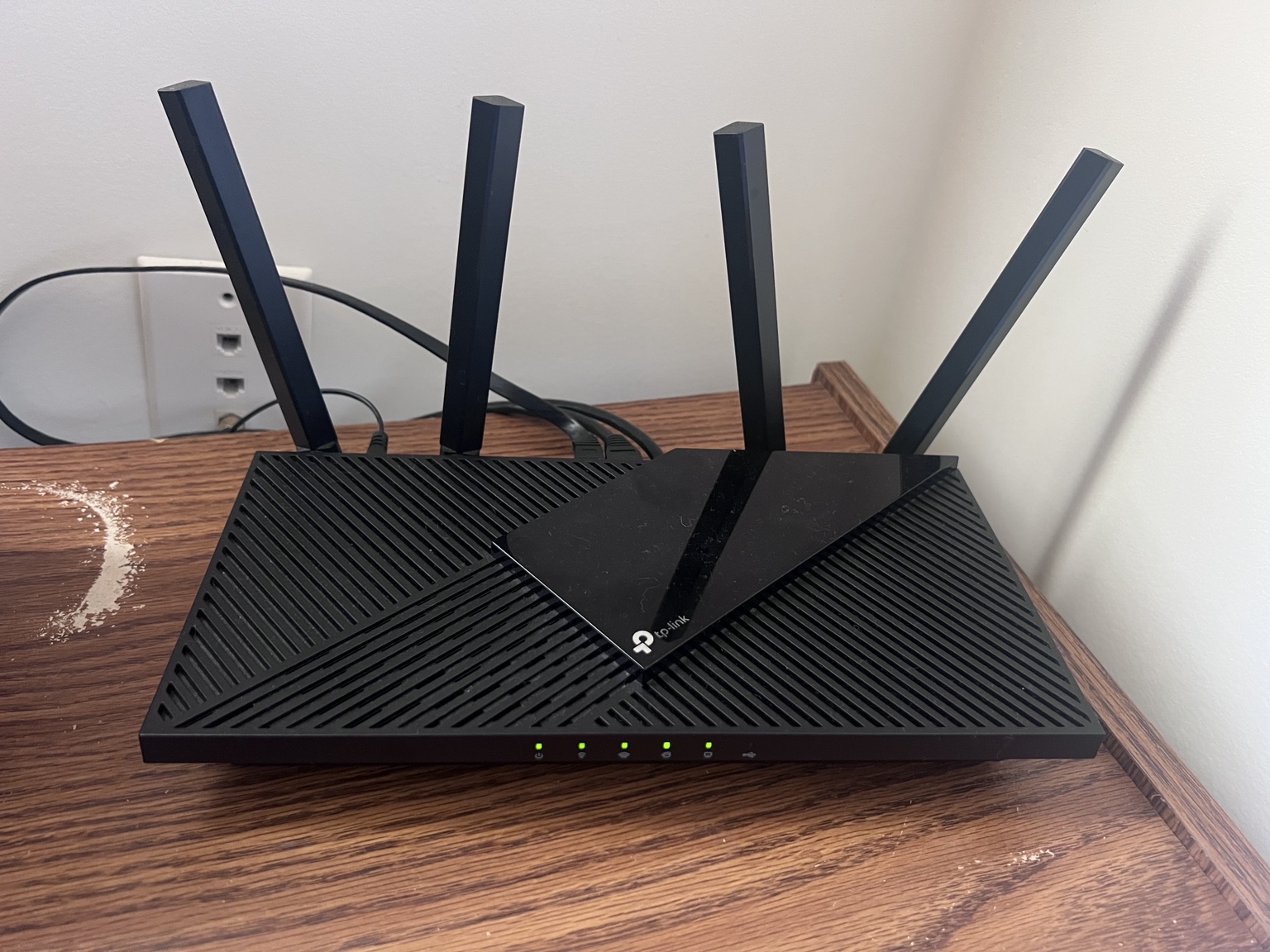
My used Archer AX21. The Amazon link is a retail listing; I bought this unit second-hand.
03 /
Carry and repair
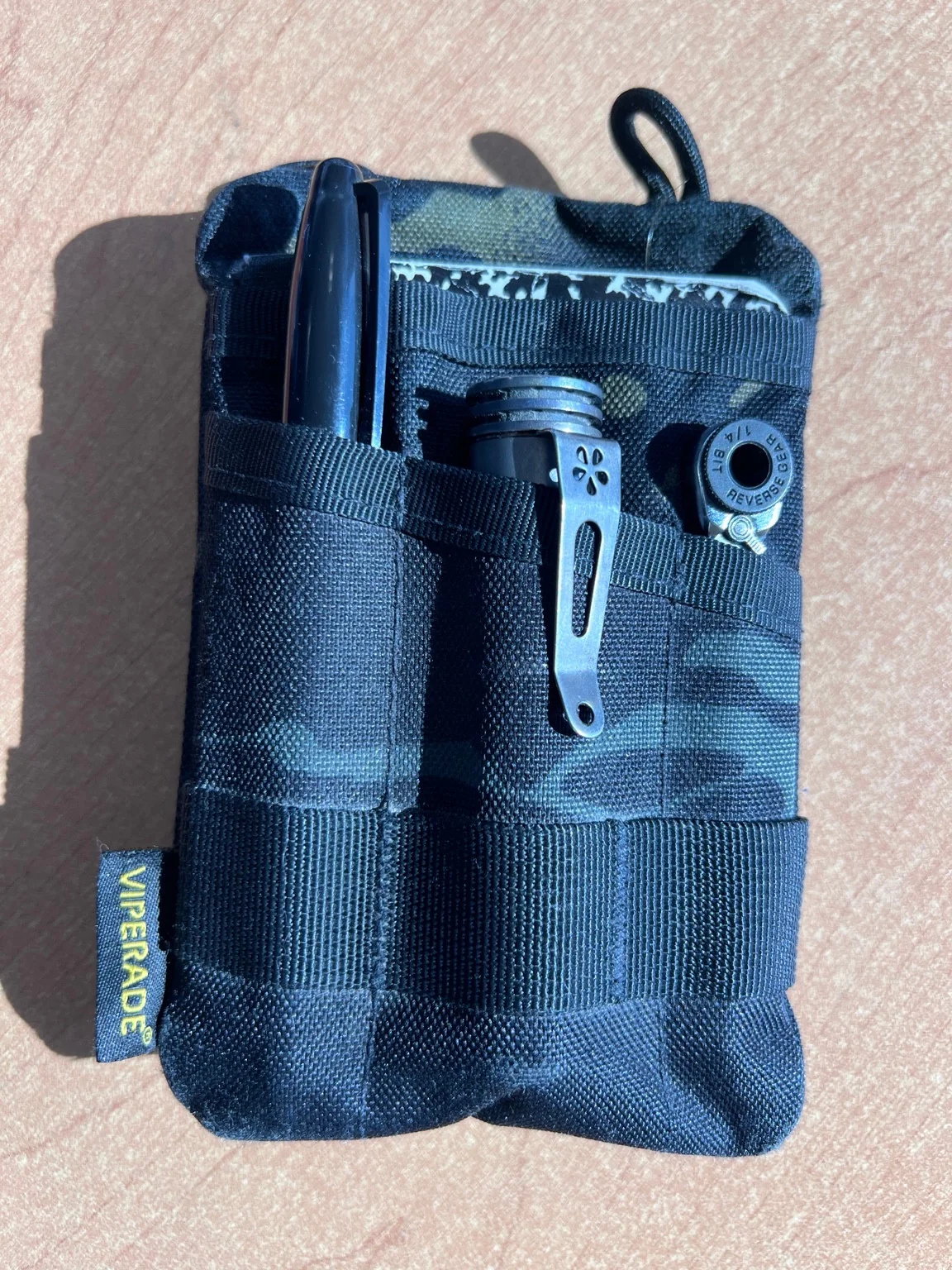
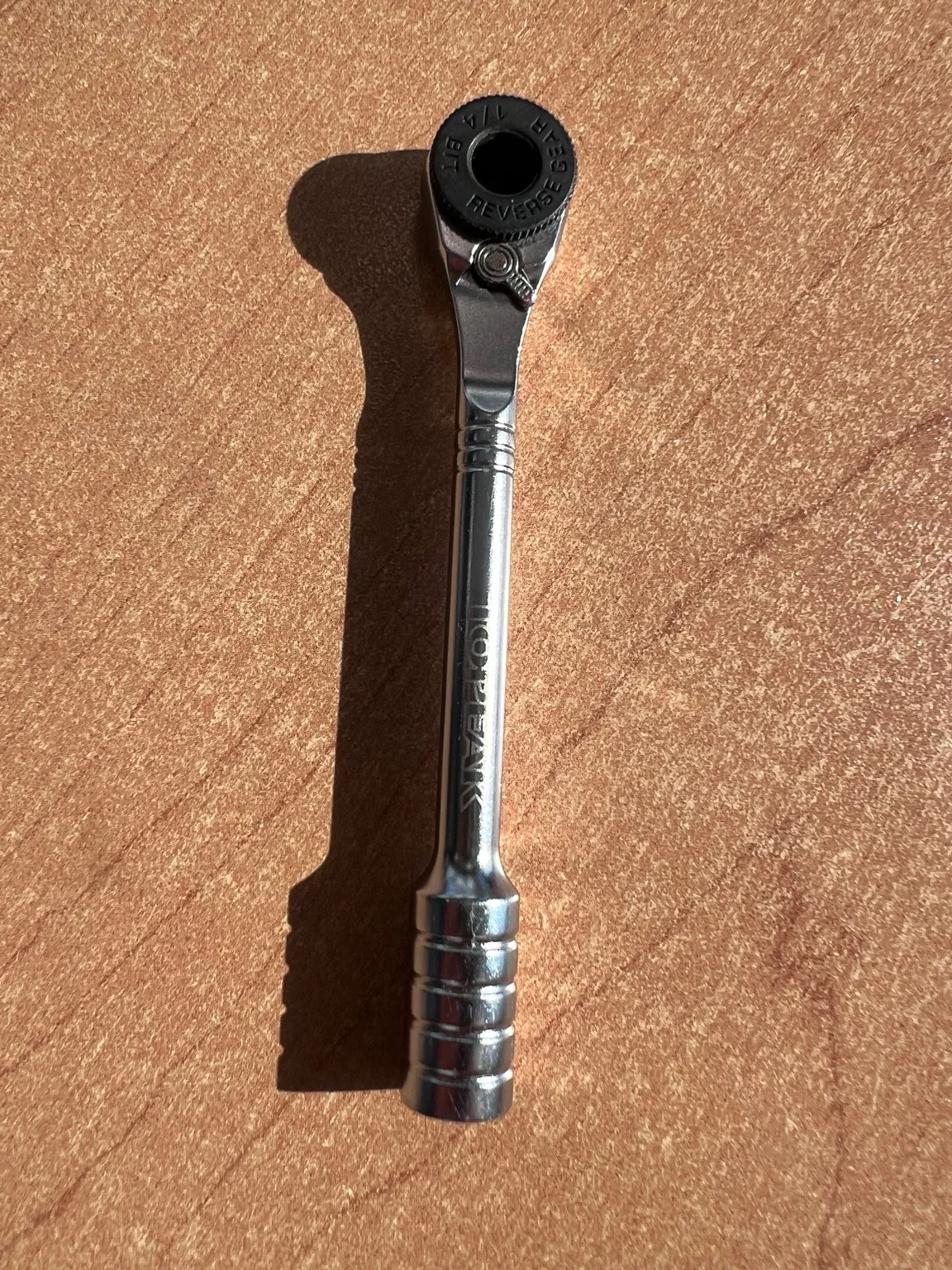
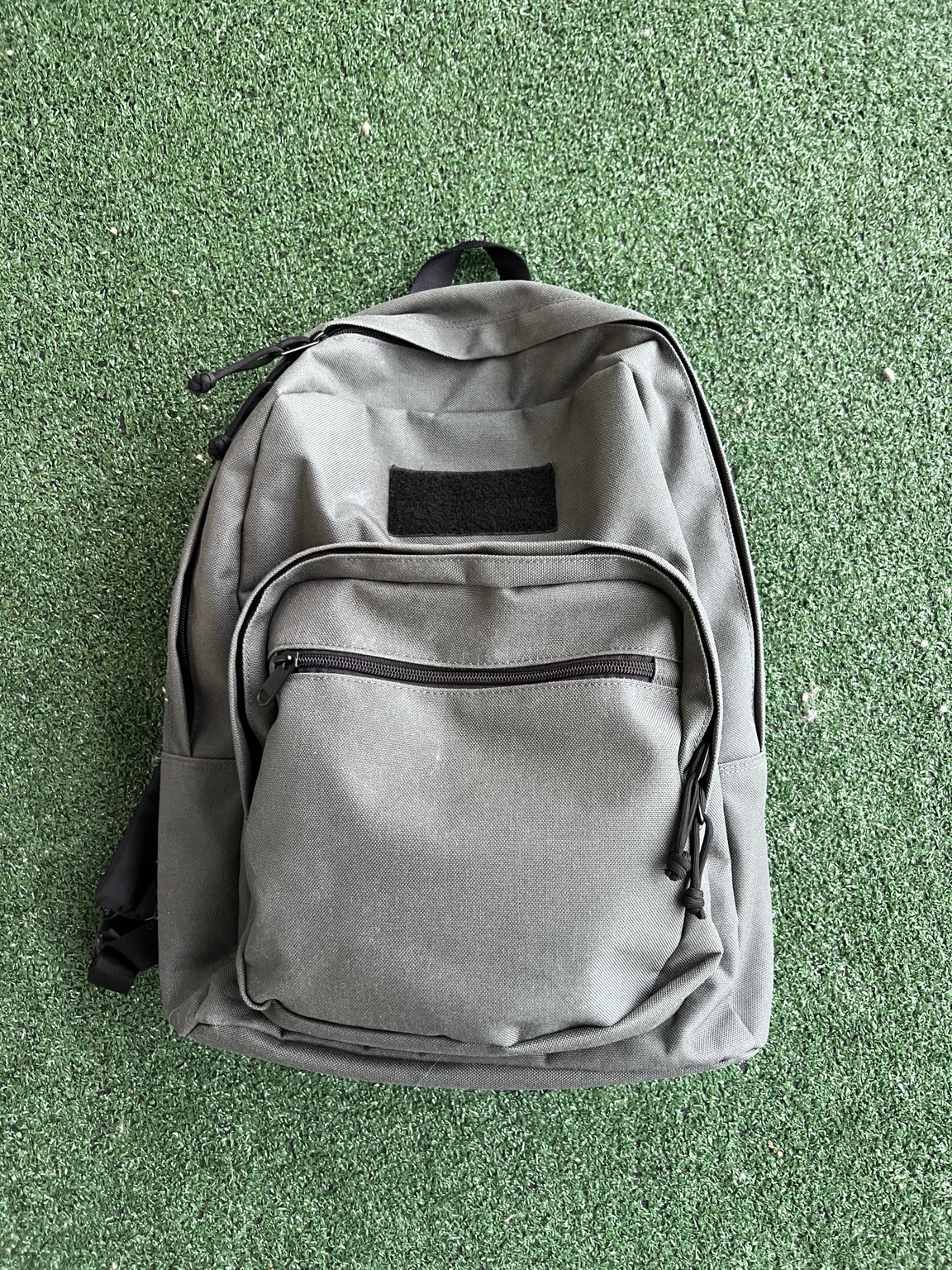
The supporting gear includes a Viperade pocket organizer, a 1/4-inch ratcheting bit driver, a Wowtac A2S headlamp, and a Maxpedition backpack. They cover small-item organization, repairs, hands-free light, and carrying the electronics.
I bought a bike repair kit a few years ago just for the driver. It’s nice and compact. The ratchet part has a better grip than the screwdriver part, and it fits well in my Viperade organizer.