
AN INDEPENDENT WORKSHOP

Useful systems.
Room to wonder.

I’m Logan Rourke. I set up phones and laptops for maps and reading without a signal, and build small AI workflows with checks you can see.

Practical tools, made for your task. Offline device setups · AI workflows with human review.

An imagined mountain workshop glowing with warm light among trees and solar panels at twilight.
A little technology. A little wilderness.WORKSHOP STUDY / 01
Creative toolsPractical automationEveryday resilienceBuilt with curiosity. Kept with care.

SELECTED PROJECTS

Ideas, made real.

Different interests. The same instinct:
make something useful, then make it better.

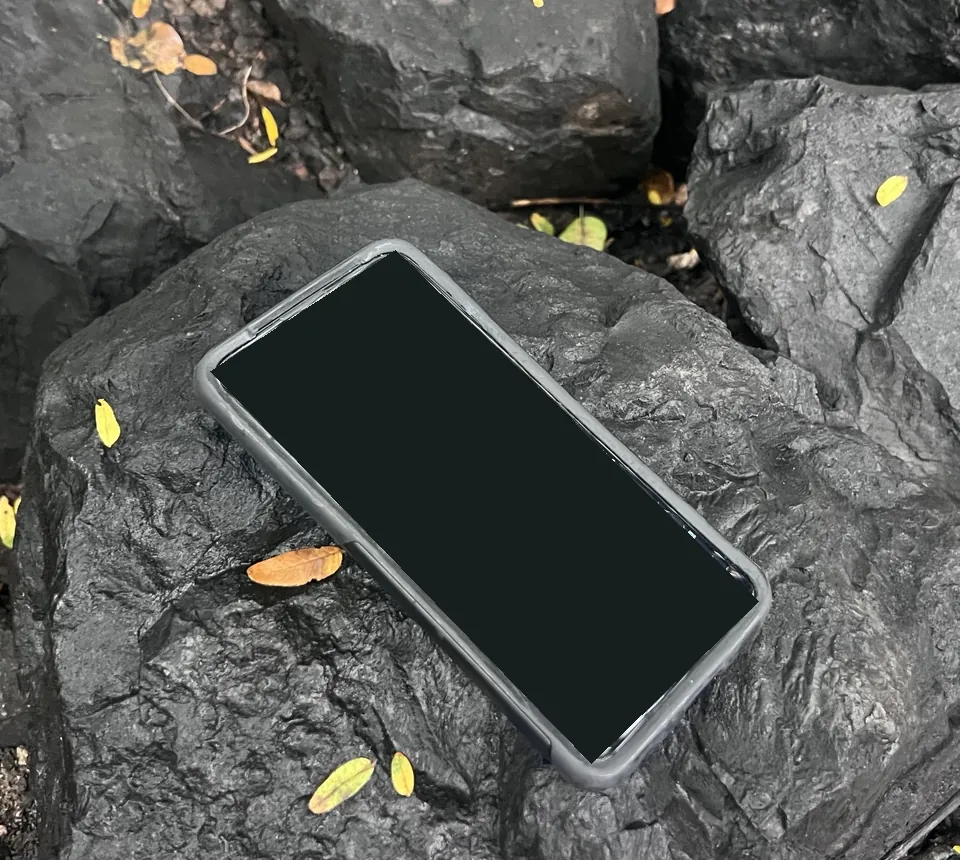
My phone-based cyberdeck on dark rocks beside yellow leaves, with the map display covered for location privacy.
MY CYBERDECK · MAP COVERED FOR PRIVACY
/01

OFFLINE & RESILIENCE

Maps, repair guides, and books.

A pocket phone and a Linux Mint laptop, put back to work. Field Library is growing into a searchable collection of saved references; its portable release is still being checked.

Phone + laptopField Library prototype
Explore the offline kit
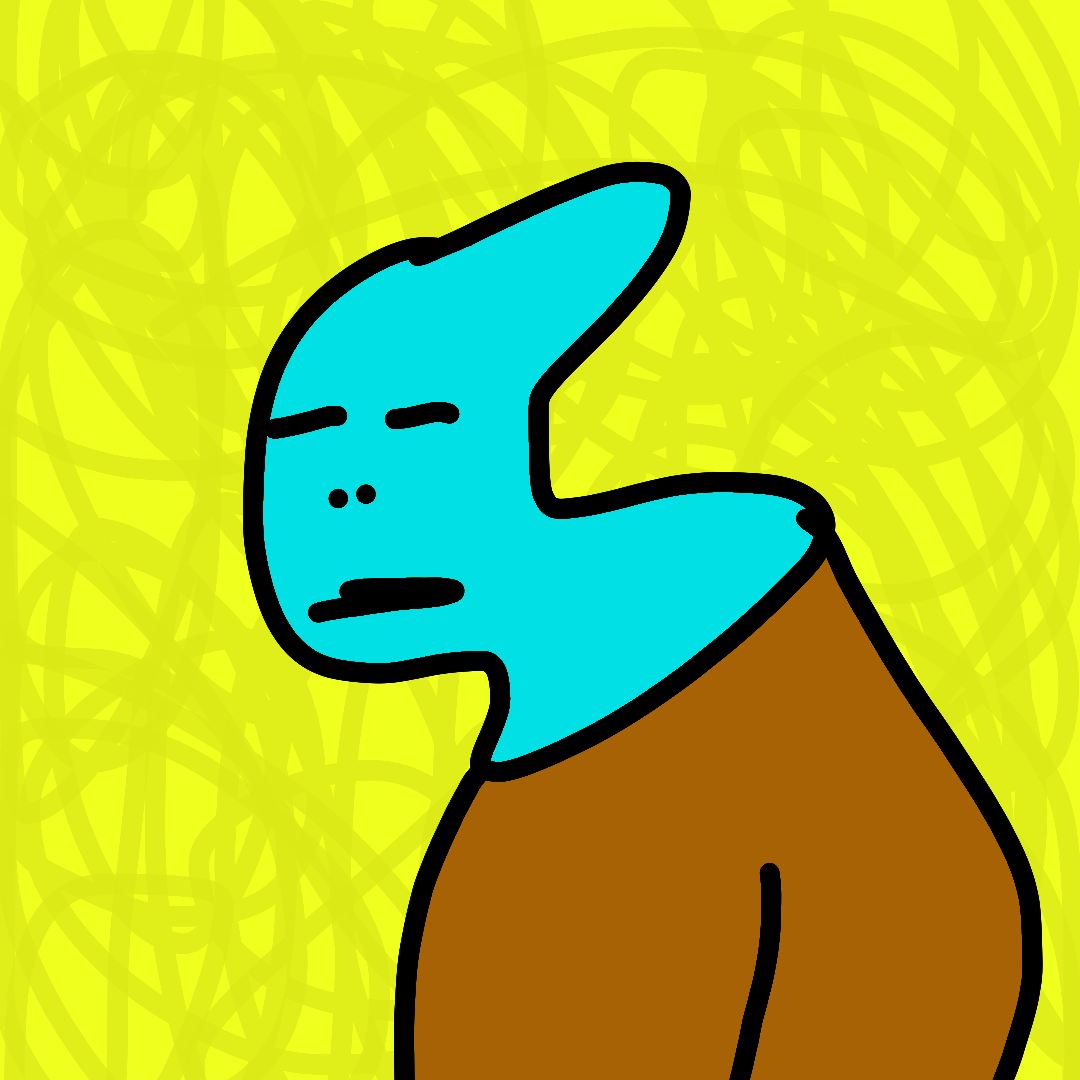
Zorvel the Unbothered by sillypsyben: a turquoise character in a brown shirt against a bright yellow background.
Hide animationShow animation
ZORVEL THE UNBOTHERED · sillypsyben
/02

ART & CREATIVE TOOLS

Original art. A world of characters.

sillypsyben is my art brand: odd characters, their own little world, and tools that help turn drawings into things you can hold.

sillypsybenCreative workflow
Explore sillypsybenShop
ORSON, the original blue-eyed robot character.
ORSONDevelopment snapshot
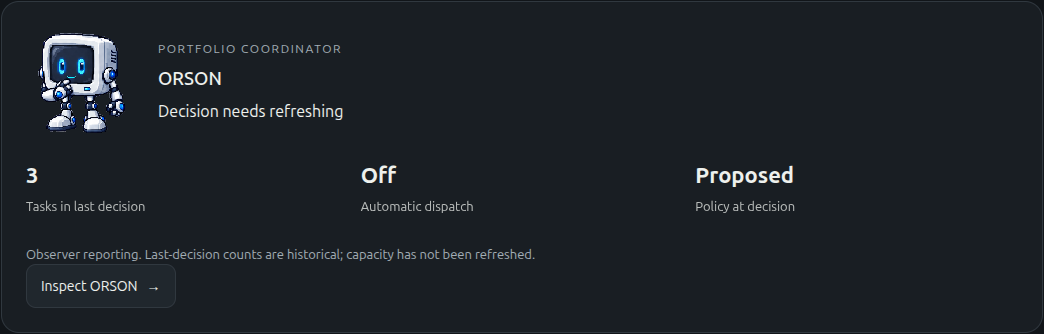
Saved ORSON panel showing a decision that needs refreshing and automatic dispatch switched off.
SAVED PANEL · VIEW FULL-SIZE ↗
/03

SYSTEMS & AUTOMATION

See what needs attention.

A dashboard for service health and project context. ORSON’s manual pilot is installed. The newer web-panel upgrade passed 145 checks and a no-write dry run; installation and device checks are still ahead.

Home Lab Control PlaneORSON pilot
Inside the ORSON build

LET’S MAKE SOMETHING USEFUL

Work with me.

Small, practical builds.
A clear idea of what “working” means.

PAID OFFLINE DEVICE SETUPS

Maps and references, without a signal.

For people preparing for patchy coverage, travel, or time away from the internet.

Put a compatible phone or laptop you already own to work with downloaded maps and an agreed reading library. You get a connection-off check and simple notes for using and updating the setup.

Start here: Send your device model, region, and the references you want. I’ll check what it can support and suggest a scope.

VERIFIED AI WORKFLOWS

The AI proposes. The checks decide.

For independent creators and small teams spending time on the same task each week.

A small workflow that produces a draft, checks agreed rules, and sends the result to you for review. You get the workflow, sample inputs, the checks, and handoff notes.

Examples we can scope together:

  • Product listings: Check required fields and title and tag limits.
  • Transcript to show notes: Check that every quoted passage appears in the transcript.
  • Receipts to a spreadsheet: Reconcile totals and flag differences for review.
How I keep track of sources and corrections

Start here: Send one example input and the result you need. We’ll choose a useful first task and define what a passing result looks like.

How I work: Agree a small scope and a pass/fail check, build it, verify it, then hand it over with notes.

Before work starts, we agree the price, delivery, where the tools will run, any account or AI usage costs, and the support included. AI output stays subject to human review.

Tell me what you want to make easier. One concrete example is a good place to start.

Email me

ONGOING EXPLORATIONS

Also on the workbench.

More threads I’m following:
better research, better tools, stranger worlds.

PERSONAL TOOLS & EXPERIMENTS

How the lab fits together.

Choose useful work, prepare the task, and send it down the right path. Keep the lessons for the next time.

Intended workflow · connections still in development

SAVED CONTEXT

Memory & learning

Reviewed notes, sources, decisions, and corrections: context for ORSON and the research memory preflight.

  1. ORSON suggests

    Find useful next steps

    Use memory, research, and lab status from the Home Lab Control Plane to suggest tasks.

  2. I choose the task

    My decision

    I decide what is worth pursuing and what a useful result should look like.

  3. Prompt OS prepares

    Instructions & handoff

    Shape the prompt, requirements, and checks, then route the task to the appropriate workflow.

From Prompt OS · choose a path

ENGINEERING

AEOS

Propose code and run separate checks before review.

Output: a checked code candidate.

RESEARCH

Research OS

Memory & learning → memory preflight

Reuse reviewed work, refresh it, or research the gaps.

Output: findings with their sources.

MEDIA · PLANNED

Media OS

Plan storyboards and prepare scene prompts and reference images. Route approved shots to suitable generation tools, prioritizing free and already-included options.

Planned output: prepared scenes and generated media for review.

ALL PATHS · RESULTS HELD FOR REVIEW

I review the results

Check the output and its evidence. Revise, reject, or approve it. A generated result does not approve itself.

  • Use, ship, or publish

    Only the output I approve moves forward.

  • Back to Memory & learning

    I choose which lessons and corrections to promote into reviewed notes for future tasks.

Recorded on : a preflight read reviewed memory and requested a refresh because a claim still needed checking. Read the example and its limits ↗

In use
Manual Prompt OS and research workflows; the dashboard and ORSON panel. ORSON’s pilot was installed and checked in on 30 September.
In development
The newer ORSON web-panel integration and the connections shown above. Media OS is planned.
In testing
AEOS checks on proposed code changes before human review.

Muse now has a separate read-only connection to two approved project-context documents. It is a small starting point, not an automatic handoff across the lab. Read the Muse connection note.

For paid work, I offer offline device setups and small AI workflows with human review.

NOTES, SOURCES & CORRECTIONS

Memory & learning.

Keeping sources, decisions, and lessons together, so I can pick up a project without starting from scratch.

In development · Recorded examples
Explore Memory & learning

RESEARCH & PLANNING

Prompt OS + Research OS

Prompt OS helps prepare tasks and research briefs. Research OS keeps the sources and brings saved work into the review. The connected handoff is still being developed.

Manual use · Integration in development

RECORDED IN JULY 2026

A handoff stopped at a required status check. A later automated replay found seven filename mismatches against its evidence list.

Read the incident and its limits

AI-ASSISTED ENGINEERING

AEOS

The Agentic Engineering Operating System: AI workers propose code, and separate checks decide whether it can move to review.

Development & testing

SCRIPTED TEST · 10 SEPTEMBER 2026

Two successful attempts reached the review stage. All seven intended negative attempts were kept from acceptance, including a worker’s incorrect claim that its output was clean.

Read the test and its limits

AI VIDEO EXPERIMENTS

Generated Elsewhere

Short AI-generated videos exploring impossible places and strange phenomena.

Creative exploration
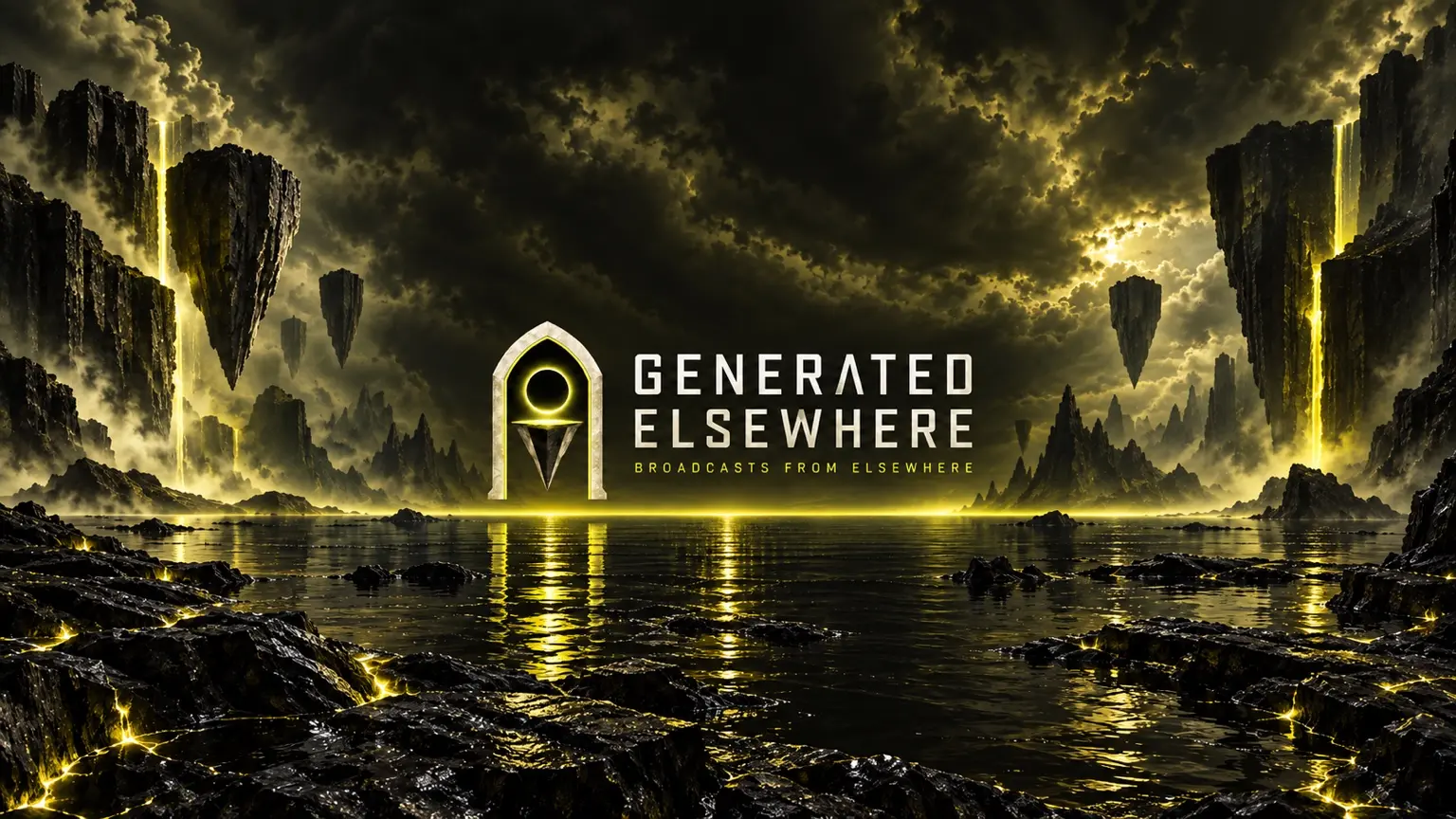
Generated Elsewhere channel artwork: floating rock islands over dark water, a glowing yellow portal, and the words Generated Elsewhere — Broadcasts from Elsewhere.
Channel artwork · Generated Elsewhere
Watch a Short
Explore the channel

THE PERSON AT THE WORKBENCH

An artist who builds his own tools.

I’m Logan Rourke. In automotive operations, I appraise vehicles and improve day-to-day workflows. That work shapes how I build: understand the task, find the friction, and check that the change helps.

I make art as sillypsyben, and Rourke Labs is the workshop behind it. Today I build creative tools, small automations, and useful setups for older devices.

The tinkering started with jailbreaking my iPod Touch in middle school, followed by console-game modding in high school. I’ve also repaired jewelry as an apprentice goldsmith. Different workbenches, the same enjoyment of making things work.

GOOD THINGS START WITH A CONVERSATION

Something on your workbench?

Tell me the task, the tools you use, and what a useful result would look like.

I’m also interested in collaborating on offline reference tools, creative workflows, and ways to check AI-generated work.

hello@rourkelabs.com

Working in U.S. Eastern time.

FROM THE WORKBENCH

Build notes.

What worked, what broke,
and what the checks actually showed.